
User Guide
How to play, step by step
Everything you need to go from a pale print in the tray to a Perfect Exposure. Choose your device for instructions and screenshots that match what you see.
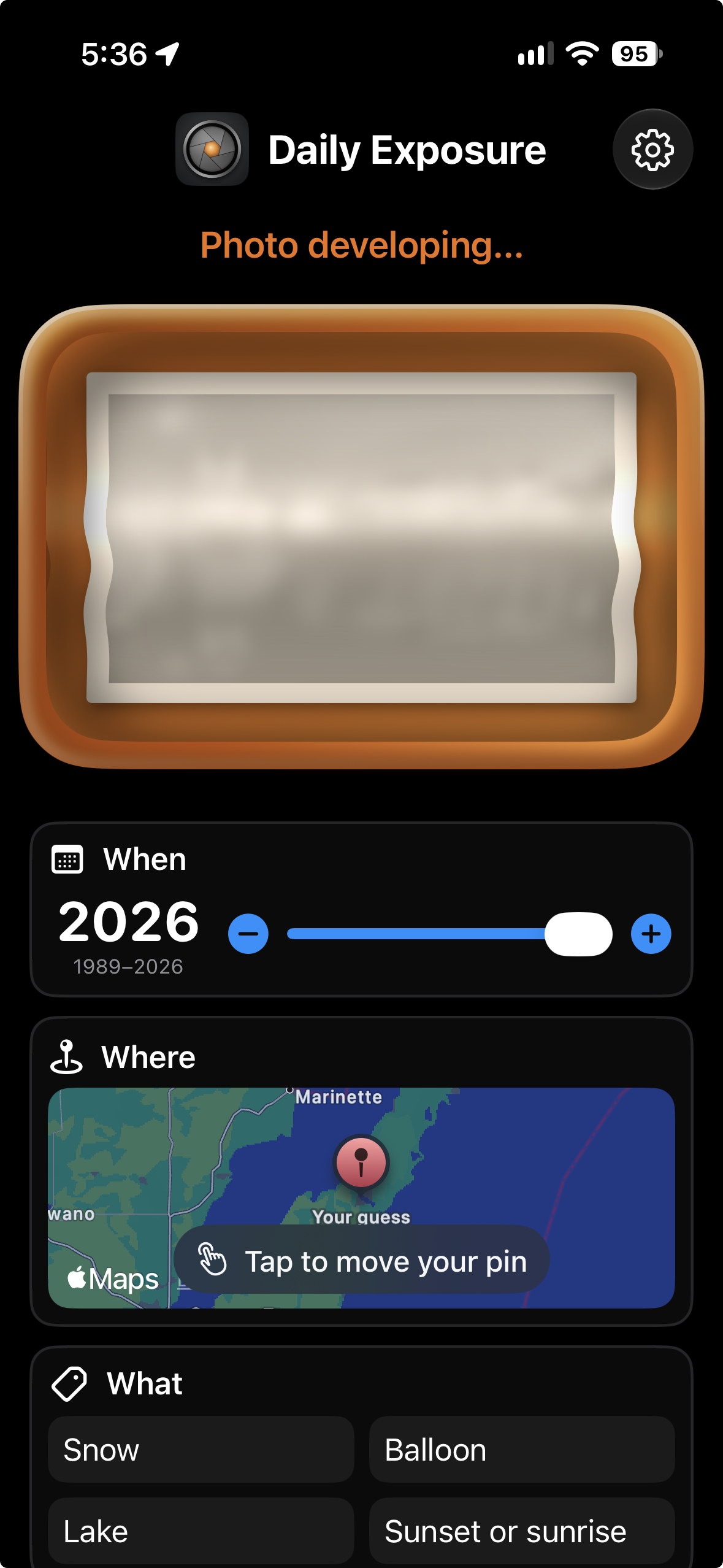
Every day Daily Exposure picks one of your own photos and hides it in a darkroom tray. This guide walks through a whole puzzle on iPhone, from the first guess to the framed print.
Open the iPhone guide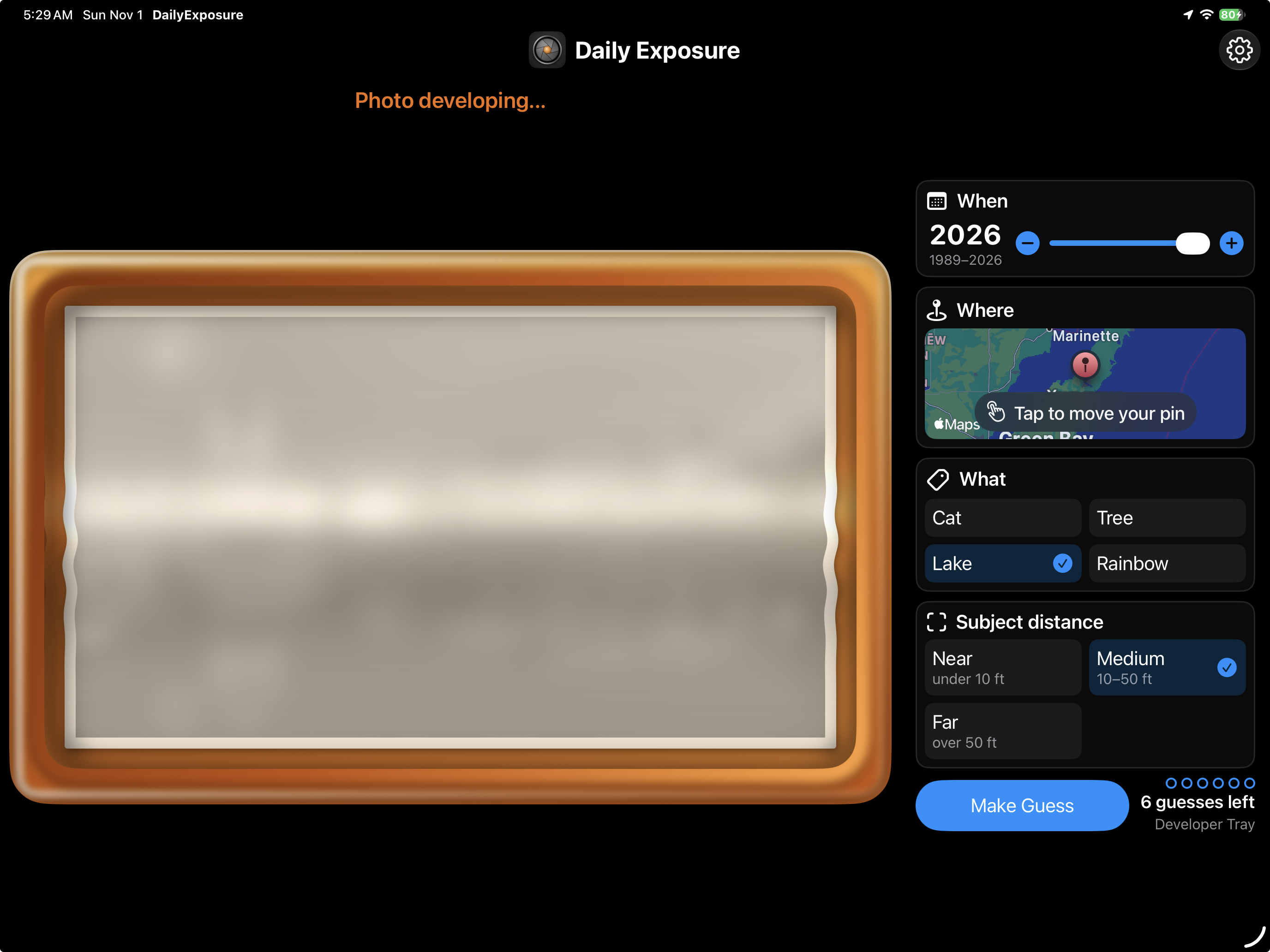
On iPad the developing photo fills one side of the screen and the questions sit beside it, so you can study every detail as the picture clears. This guide walks through a whole puzzle.
Open the iPad guide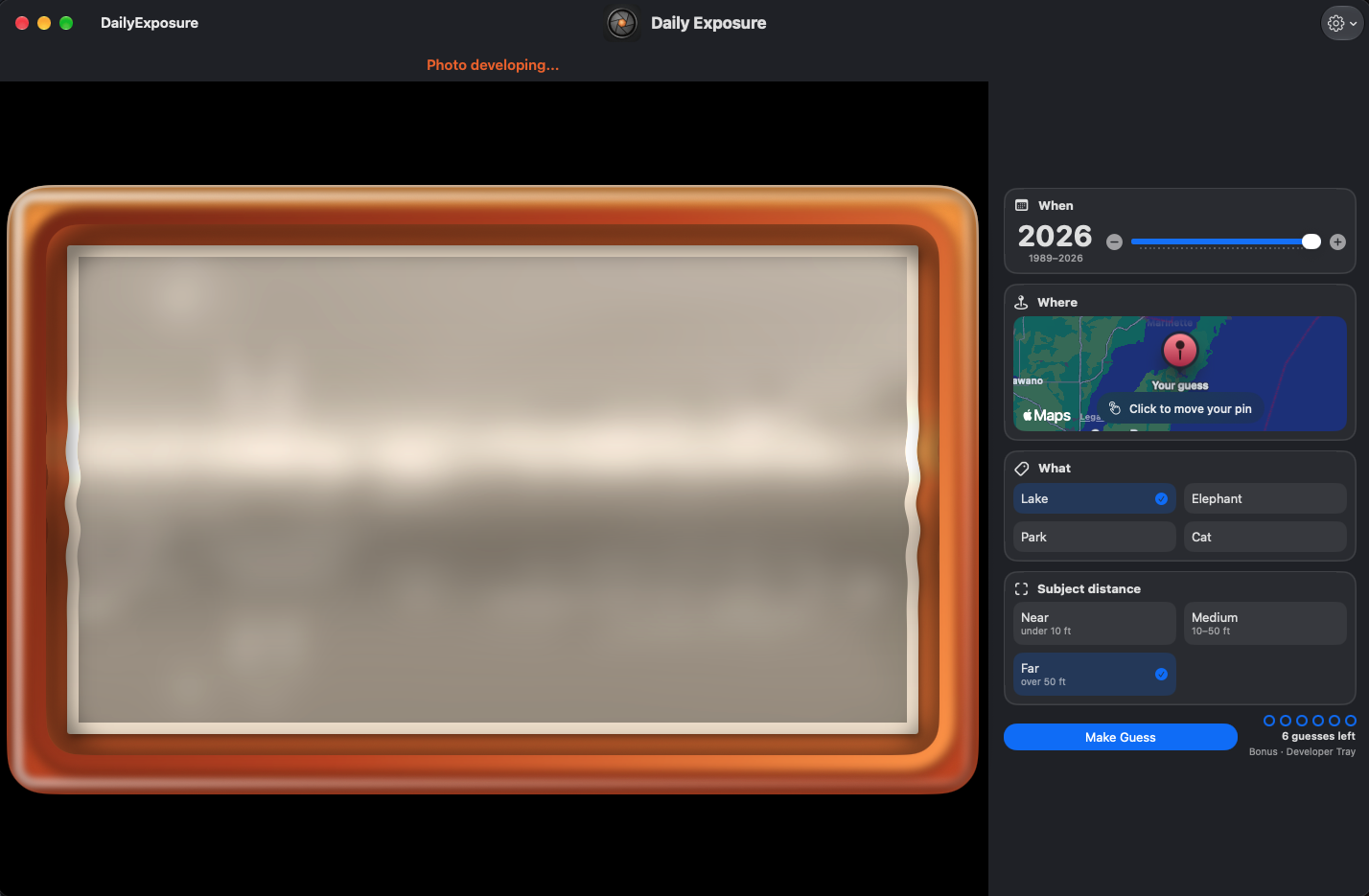
Daily Exposure is a native Mac app, built for a pointer, a keyboard and a big display. This guide walks through a whole puzzle, from the first guess to the framed print.
Open the Mac guideAt a glance
- 1
Allow access to your photos - 2
Meet today’s photo - 3
Guess when it was taken - 4
Pin where it was taken - 5
Say what’s in the picture - 6
Count the people — or judge the distance - 7
Make a guess and watch it develop - 8
See the framed print and your score - 9
Share your score, not your photo - 10
Look back with the filmstrip - 11
Fix a wrong answer — and get a bonus play - 12
Give the photo a title - 13
Keep a photo out of future puzzles
Still stuck? Try the FAQ or contact us.